
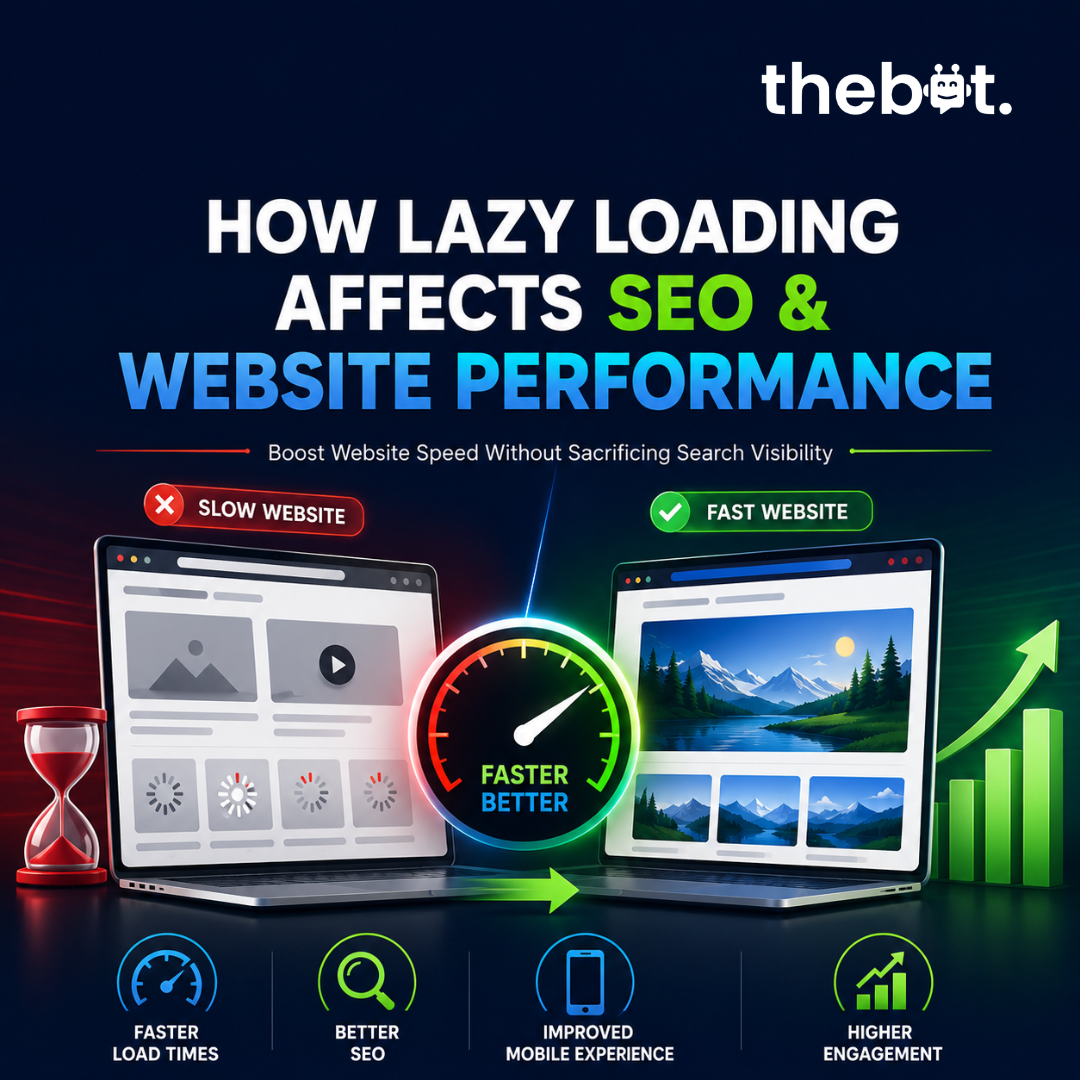
Lazy loading impacts Core Web Vitals and SEO rankings. Discover how to implement lazy loading correctly without harming search visibility or indexing.
Introduction
In today's digital landscape, website speed plays a critical role in both user experience and search engine rankings. Visitors expect web pages to load quickly, and search engines prioritize websites that deliver a seamless browsing experience. As websites become more media-rich with images, videos, and interactive content, maintaining fast loading times becomes increasingly challenging.
One effective solution is lazy loading, a technique that delays the loading of non-essential content until users scroll to it. While lazy loading can significantly improve website performance, businesses must ensure it is implemented correctly to avoid potential SEO issues. Understanding the relationship between lazy loading, SEO, and website performance is essential for maximizing online visibility and user engagement.
Problem Statement
Many websites struggle with slow loading speeds due to large images, embedded videos, and heavy page elements. These performance issues can lead to:
- 1Increased bounce rates
- 2Lower user engagement
- 3Reduced conversion rates
- 4Poor mobile experiences
- 5Lower search engine rankings
To address these challenges, website owners often implement lazy loading. However, when configured incorrectly, lazy loading can create SEO problems such as:
- 1Search engines failing to discover important content
- 2Images not appearing in image search results
- 3Reduced crawlability
- 4Incomplete indexing of key page elements
The challenge is finding a way to improve website speed without negatively impacting search engine visibility.
How We Solve It
A successful lazy loading strategy requires a balance between performance optimization and SEO best practices.
Prioritize Critical Content
Content that appears immediately when a page loads should be displayed without delay. This ensures visitors can access important information quickly and improves user experience.
Implement SEO-Friendly Lazy Loading
Modern lazy loading techniques allow search engines to crawl and index content effectively while still reducing the amount of data loaded during the initial page visit.
Optimize Images and Media
Combining lazy loading with image compression, next-generation image formats, and efficient media delivery creates substantial performance improvements.
Improve Core Web Vitals
Proper lazy loading can positively impact key performance metrics, including:
- 1Largest Contentful Paint (LCP)
- 2Interaction to Next Paint (INP)
- 3Cumulative Layout Shift (CLS)
These metrics directly influence both user satisfaction and search rankings.
Monitor Performance Continuously
Website performance and SEO should be monitored regularly to ensure that optimization efforts continue delivering results as content grows and user behavior evolves.
The fastest websites are not those that load everything instantly, but those that load the right content at the right time.
To identify performance bottlenecks and SEO issues affecting your website, request a free website audit at: https://freeaudit.thebot.agency/
Case Study
Improving Performance for a Content-Heavy Website
A business operating a content-rich website experienced declining engagement despite publishing high-quality content regularly. Analysis revealed that large images and media assets were slowing page load times, particularly on mobile devices.
Challenges
- 1Slow page speed across multiple pages
- 2Poor Core Web Vitals scores
- 3High bounce rates
- 4Reduced user engagement
Solution
- 1Lazy loading for below-the-fold images
- 2Image compression and optimization
- 3Improved content delivery
- 4Performance testing and monitoring
Results
- 1Faster page loading times
- 2Improved user engagement
- 3Better mobile performance
- 4Lower bounce rates
- 5Increased organic search visibility
The improvements demonstrated how proper lazy loading can enhance both website performance and SEO outcomes when executed correctly.
Conclusion
Lazy loading is a valuable performance optimization technique that helps websites load faster, improve user experiences, and support better search engine rankings. However, the benefits are only realized when it is implemented with SEO considerations in mind. Businesses that focus solely on speed without considering crawlability and indexing can unintentionally limit their search visibility.
By adopting SEO-friendly lazy loading practices, organizations can achieve the best of both worlds: faster websites and stronger organic performance. Regular audits and performance assessments are essential for identifying opportunities and ensuring that optimization efforts continue delivering results.
Want to find out whether your website's lazy loading strategy is helping or hurting your SEO? Get a free website audit today: https://freeaudit.thebot.agency/
Ready to Discuss Your Business Goals?
Connect with our experts for a free consultation. We'll understand your business, discuss your challenges, and recommend practical strategies and technology solutions to help you achieve sustainable growth.
Frequently asked questions
QWhat is lazy loading in web development?
Lazy loading is a performance optimization technique that delays the loading of images, videos, and other non-critical content until users scroll to that section of the page. This helps reduce initial page load times and improves user experience.
QDoes lazy loading improve SEO?
Yes, when implemented correctly. Lazy loading can improve page speed and Core Web Vitals, which are important ranking factors. However, poor implementation may prevent search engines from indexing important content.
QCan lazy loading hurt website rankings?
It can if search engines cannot access or crawl important images and page elements. Using SEO-friendly lazy loading methods ensures content remains discoverable while improving performance.
QHow does lazy loading affect Core Web Vitals?
Lazy loading can improve metrics such as Largest Contentful Paint (LCP), Interaction to Next Paint (INP), and overall page responsiveness by reducing the amount of content loaded initially.
QWhich website elements should use lazy loading?
Below-the-fold images, videos, embedded content, and non-critical page elements are ideal candidates for lazy loading. Critical content visible when the page first loads should not be delayed.